Updating existing design
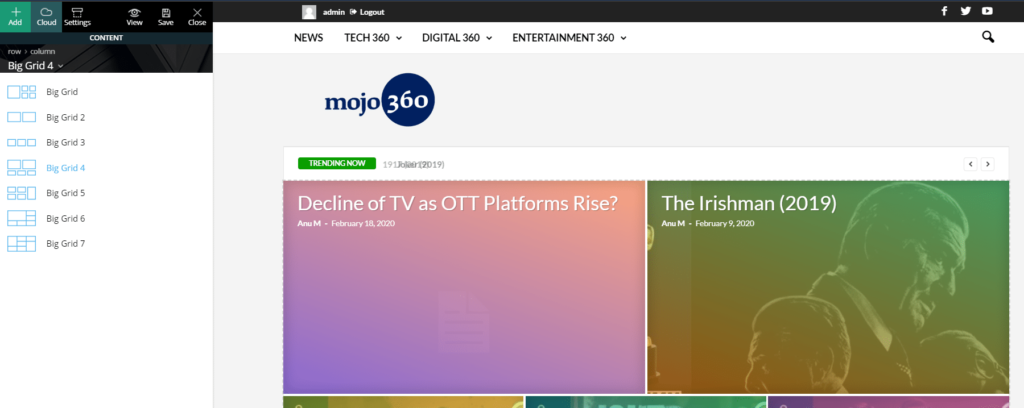
The pages in the newsmag theme use a custom plugin called tagDiv composer
The composer has seven Grid layouts each one has a different number of rows, columns, designs.
General Options
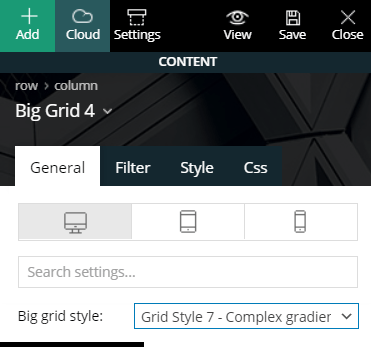
You can select any section on the homepage to update the options which most consist of grid style, article categories, sorting order and post IDs more on this later.
Blog grid-style has seven variants to choose from each affects the way each article displays in a section
You can create a section or arrange and give a specific style to bring more variations to the grids
Article Length
You can adjust the length of the title in the Content Lenght section, the recommended length is in between 14 to 20 characters.
Filtering Articles
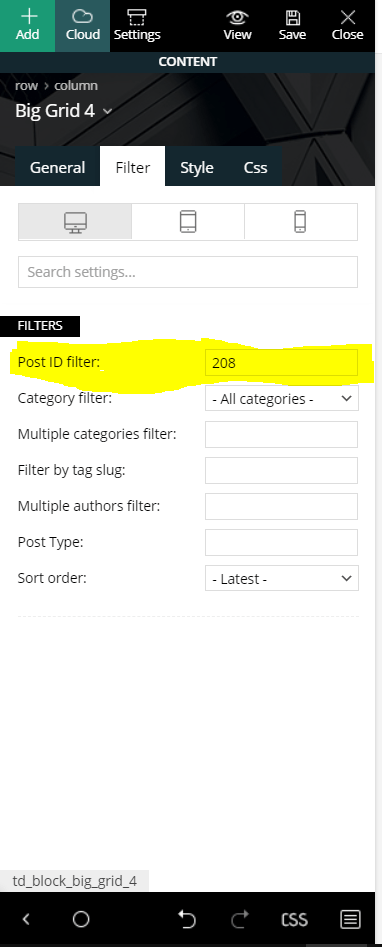
So whenever you want to display the articles you want on the homepage or any of the section, enter the number of article ID’s in the Post ID filter separated by comma like this 208, 54, 43, 67, 77
Category and Sorting
In order to display a particular category in any section select category from Category filter.
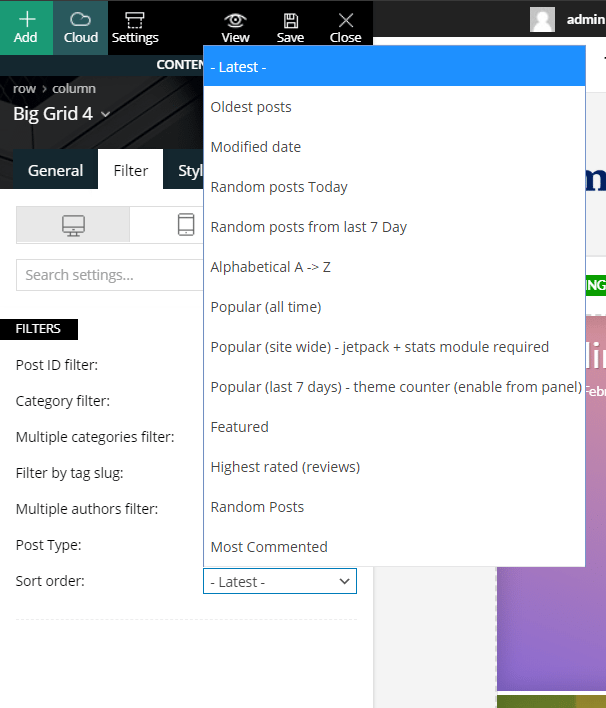
Sorting is a WordPress algorithm that catalogs articles based on various patterns like most popular, most commented and random, etc.